Cisco Router Configuration for Wireless Network: A Comprehensive Guide
Understanding Cisco Router Configuration
A Cisco router is a powerful networking device that plays a crucial role in connecting your local area network (LAN) to the wider internet. In this article, we will discuss the process of configuring a Cisco router for wireless network connectivity. Before we dive into the configuration process, let's first understand the basics of Cisco routers and their importance in wireless networking.
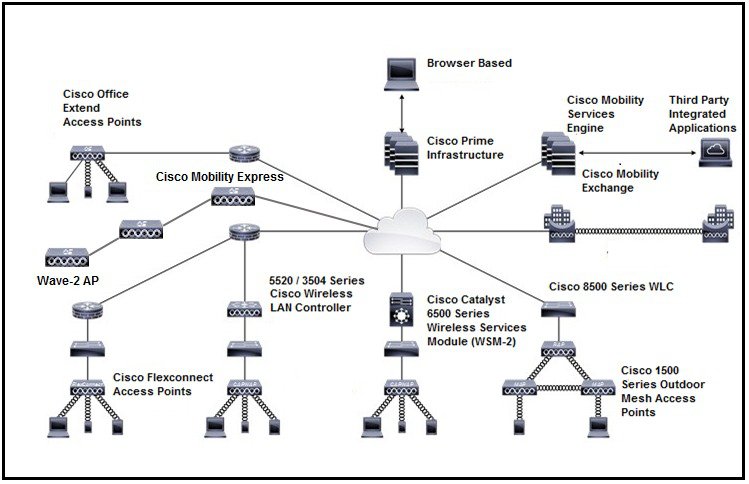
Types of Cisco Routers for Wireless Networks
Cisco offers a range of routers that support wireless network connectivity, including the Cisco 850 and 870 series routers. These routers provide a secure, affordable, and easy-to-use wireless LAN solution that combines mobility and flexibility with enterprise-class features required by networking professionals. With a management system based on Cisco IOS software, these routers function as access points and are Wi-Fi certified, IEEE 802.11a/b/g-compliant wireless LAN transceivers.
Accessing the Router's Configuration Page
To access the Cisco wireless router's configuration page, you need to open a web browser on your computer and type in the router's IP address. The default IP address for most Cisco routers is 192.168.1.1, but this may vary depending on the specific model of your router. Once you access the configuration page, you can start configuring the wireless network settings.
Basic Router Configuration
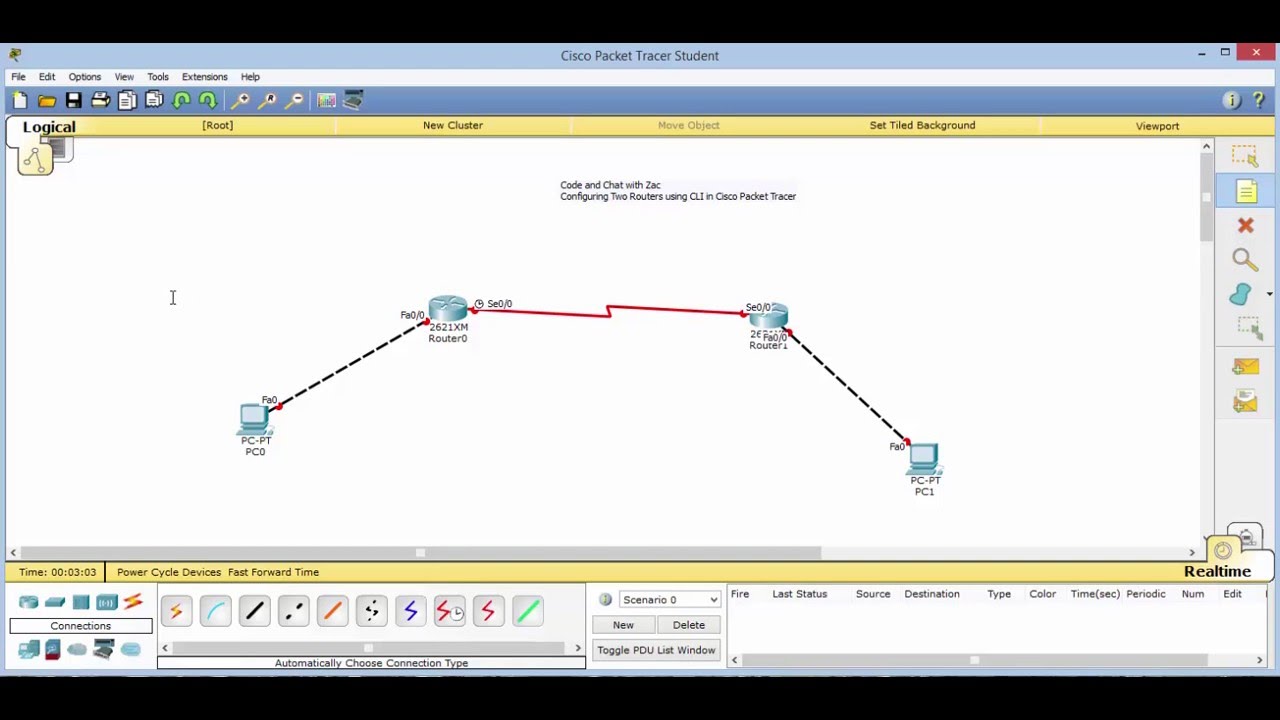
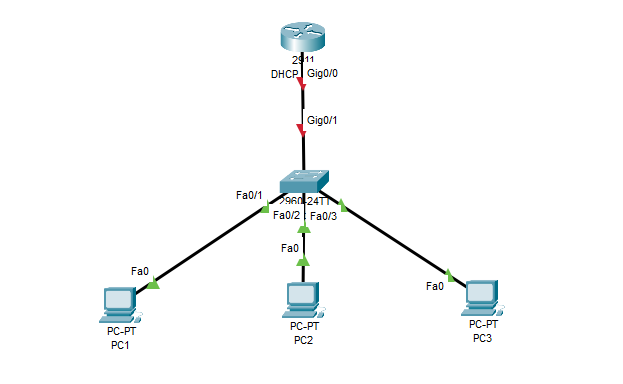
The basic configuration of a Cisco router involves setting the hostname, securing privileged mode, configuring passwords for console/VTY lines, and assigning IP addresses to interfaces. Essential commands include:
- hostname: This command sets the hostname of the router.
- enable secret: This command sets the enable secret password for secure authentication.
- interface: This command configures the interfaces of the router.
- ip address: This command assigns an IP address to an interface.
- no shutdown: This command activates the interface.
Advanced Router Configuration
Once you have completed the basic configuration, you can proceed with advanced router configuration. This includes:
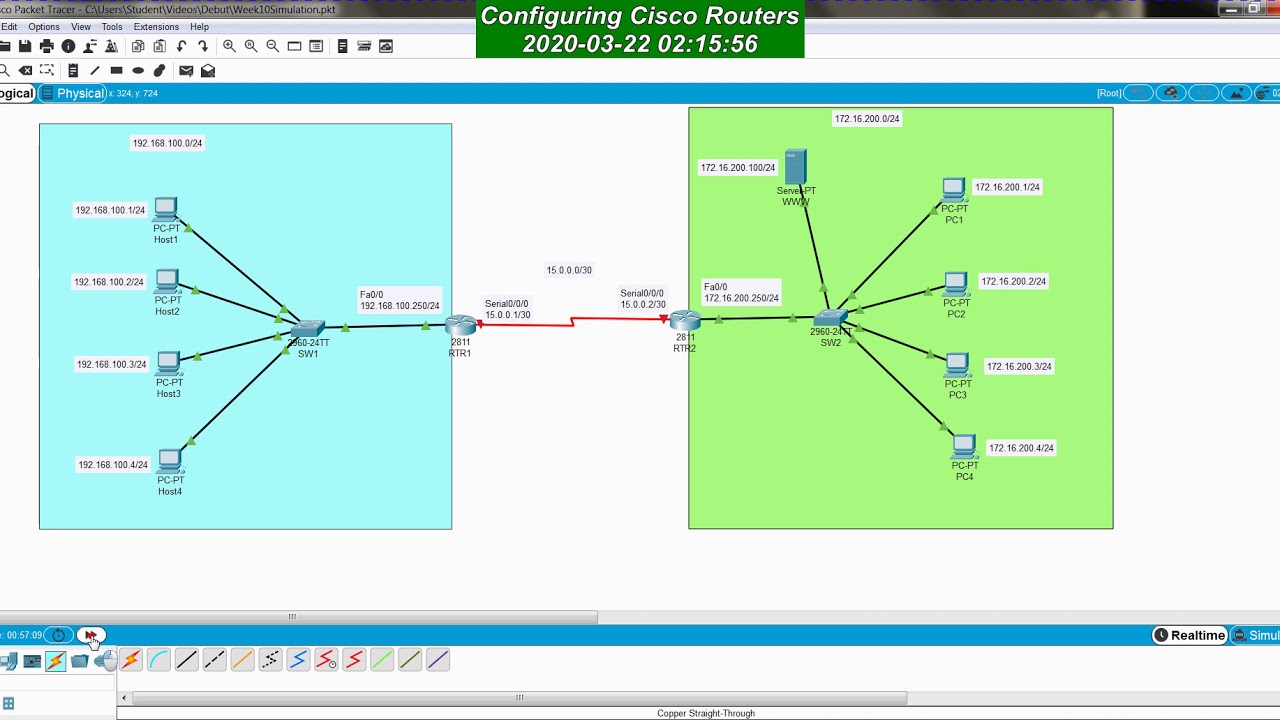
- Setting up FastEthernet and serial interfaces.
- Configuring the login banner and time zone.
- Enabling Telnet or SSH.
- Securing access to the router.

WLAN Configuration
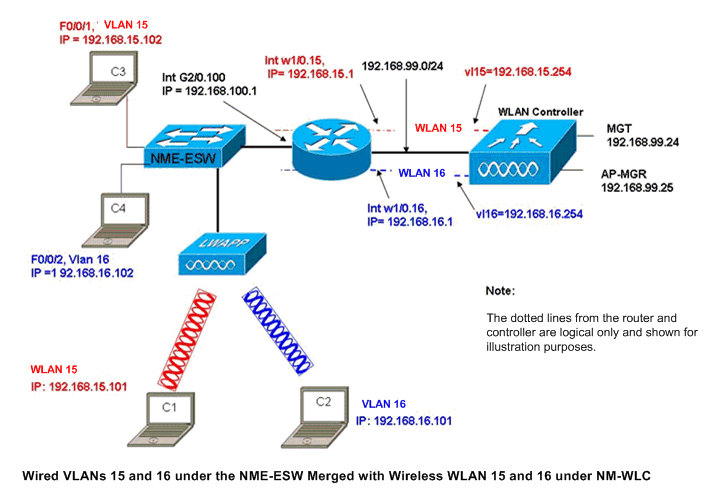
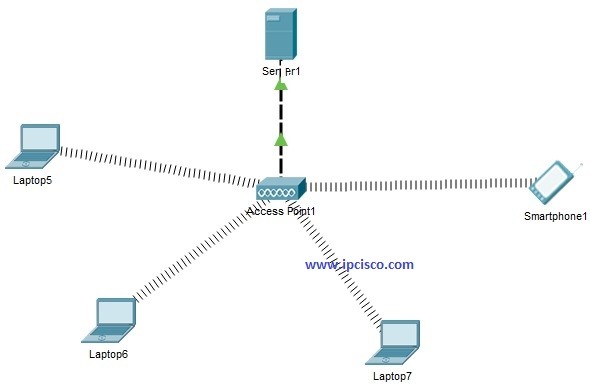
The Wireless Local Area Network (WLAN) configuration is critical for wireless network connectivity. You need to configure the WLAN controller, set up the wireless network, and configure advanced settings. Some of the advanced settings include:
- Wireless Network Name (SSID): This is the name of your wireless network.
- Wireless Channel: This specifies the wireless channel that your network uses.
- Security Settings: This includes settings such as WPA2, WPA3, and password encryption.
Conclusion
In conclusion, configuring a Cisco router for wireless network connectivity is a comprehensive process that requires careful attention to detail. By following the steps outlined in this article, you can successfully configure your Cisco router and enjoy secure and reliable wireless network connectivity. Remember to always use a combination of physical and logical security mechanisms to secure your wireless network.
Additional Resources
For more information on Cisco router configuration, visit the Cisco Support page. You can also refer to the Cisco Networking Academy for training and certification programs.
Why Choose Cisco?
Cisco offers a wide range of networking solutions that cater to different needs and budgets. Their products are designed to help you build secure, scalable, and flexible networks that meet your business needs. With Cisco, you can expect:
- Security: Cisco routers offer robust security features to protect your network from unauthorized access and cyber threats.
- Reliability: Cisco routers are known for their high uptime and reliability, ensuring uninterrupted network connectivity.
- Scalability: Cisco routers are designed to grow with your business, allowing you to easily add new devices and users to your network.
Conclusion
Configuring a Cisco router for wireless network connectivity requires careful planning and attention to detail. By following the steps outlined in this article, you can successfully configure your Cisco router and enjoy secure and reliable wireless network connectivity. Choose Cisco for your networking needs and discover the benefits of a secure, scalable, and flexible network.