Google Wifi Firmware Update Failure: Causes, Symptoms, and Troubleshooting
Introduction
The Google Wifi mesh networking system is a popular choice for providing fast and reliable internet access to multiple devices in a home or office. However, like any other device, it requires regular firmware updates to maintain optimal performance, security, and access to the latest features. In this article, we will discuss the causes and symptoms of Google Wifi firmware update failure, as well as provide step-by-step troubleshooting guides to help you resolve the issue.Causes of Google Wifi Firmware Update Failure
There are several reasons why your Google Wifi device may fail to update its firmware:- Insufficient power supply: Your Google Wifi device requires a stable power supply to complete the firmware update process.
- Interference from other devices: Other devices in your network or nearby networks may interfere with the firmware update process.
- Corrupted firmware file: The firmware file may be corrupted during download or transfer, preventing the update from completing.
- Incorrect settings: Incorrect settings in your Google Wifi device or router may prevent the firmware update from completing.
Symptoms of Google Wifi Firmware Update Failure
The symptoms of Google Wifi firmware update failure may vary depending on the cause of the issue. However, some common symptoms include:- Firmware update failure error messages: You may see error messages on your Google Wifi device or in the Google Home app indicating that the firmware update has failed.
- Network connectivity issues: Your network may experience connectivity issues, such as dropped connections or slow speeds, after the firmware update fails.
- Device instability: Your Google Wifi device may become unstable or crash after the firmware update fails.

Troubleshooting Google Wifi Firmware Update Failure
To troubleshoot Google Wifi firmware update failure, follow these steps:- Restart your Google Wifi device and router: Restarting your device and router may resolve connectivity issues and allow the firmware update to complete.
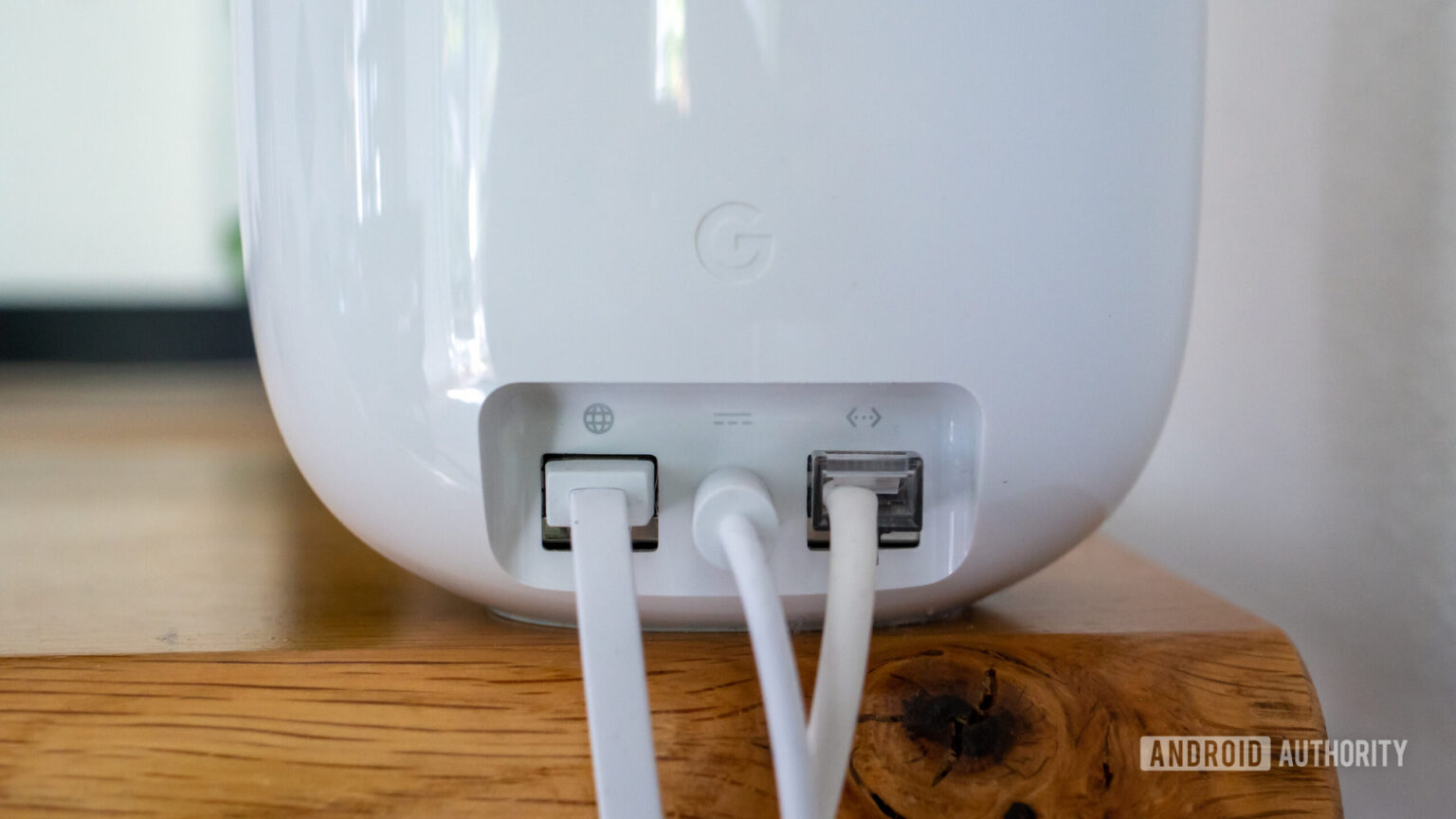
- Check your power supply: Ensure that your Google Wifi device is receiving a stable power supply and that the power cord is securely connected.
- Check for firmware updates: Check the Google Home app for available firmware updates and follow the on-screen instructions to install them.
- Reset your Google Wifi device: If the firmware update fails, you may need to reset your Google Wifi device to its factory settings.
- Seek further assistance: If none of the above steps resolve the issue, you may need to seek further assistance from Google support or a professional network administrator.
Preventing Google Wifi Firmware Update Failure
To prevent Google Wifi firmware update failure, follow these best practices:- Regularly check for firmware updates: Regularly check the Google Home app for available firmware updates and follow the on-screen instructions to install them.
- Keep your Google Wifi device and router up to date: Ensure that your Google Wifi device and router are running the latest software and firmware versions.
- Avoid interference from other devices: Move other devices in your network or nearby networks away from your Google Wifi device to prevent interference.
- Use a stable power supply: Ensure that your Google Wifi device is receiving a stable power supply and that the power cord is securely connected.