Wireless Router Configuration for Network Devices: A Comprehensive Guide
Configuring your wireless router is an essential step in setting up a secure and efficient home network. A well-configured router will enable you to access and change your Wi-Fi settings, ensuring a seamless and fast internet experience for all your network devices. In this article, we will provide a step-by-step guide on how to configure your wireless router for optimal network performance.
Understanding Your Wireless Router
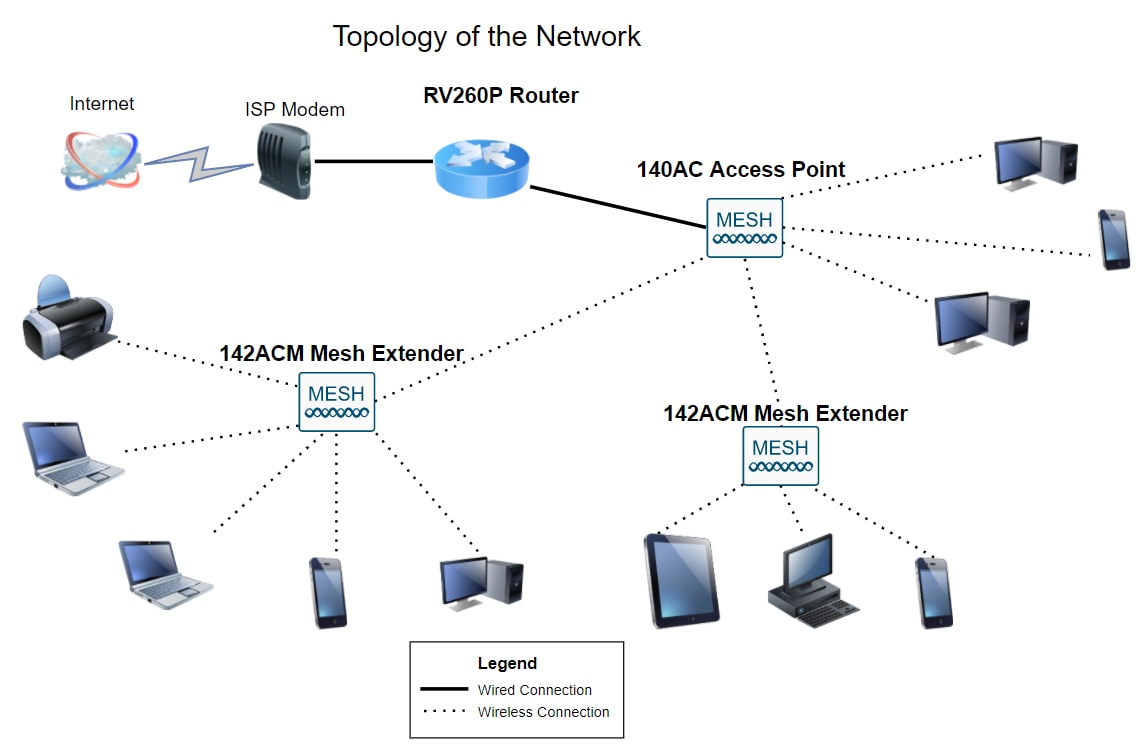
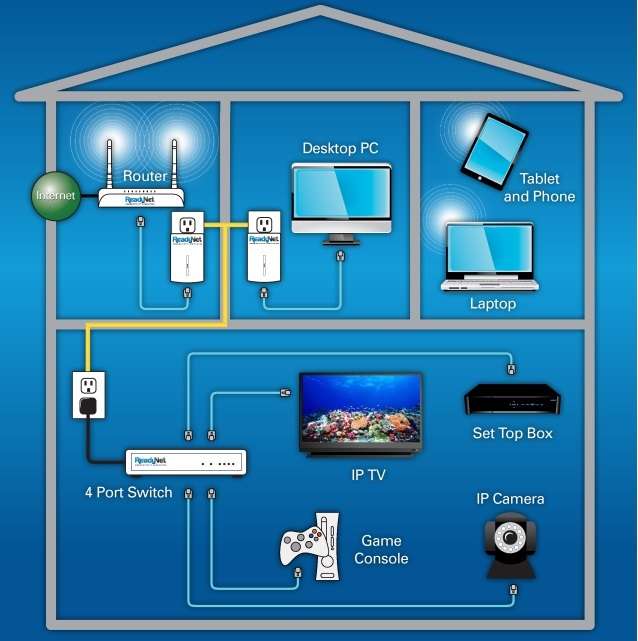
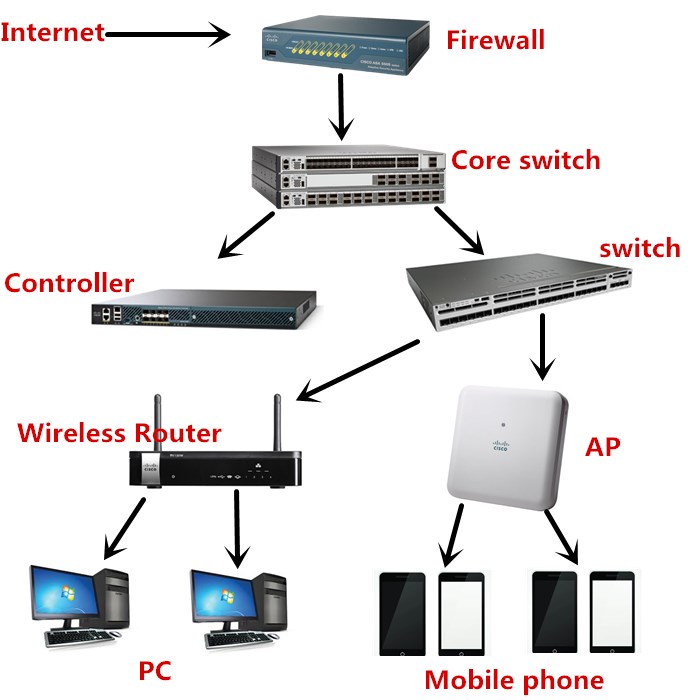
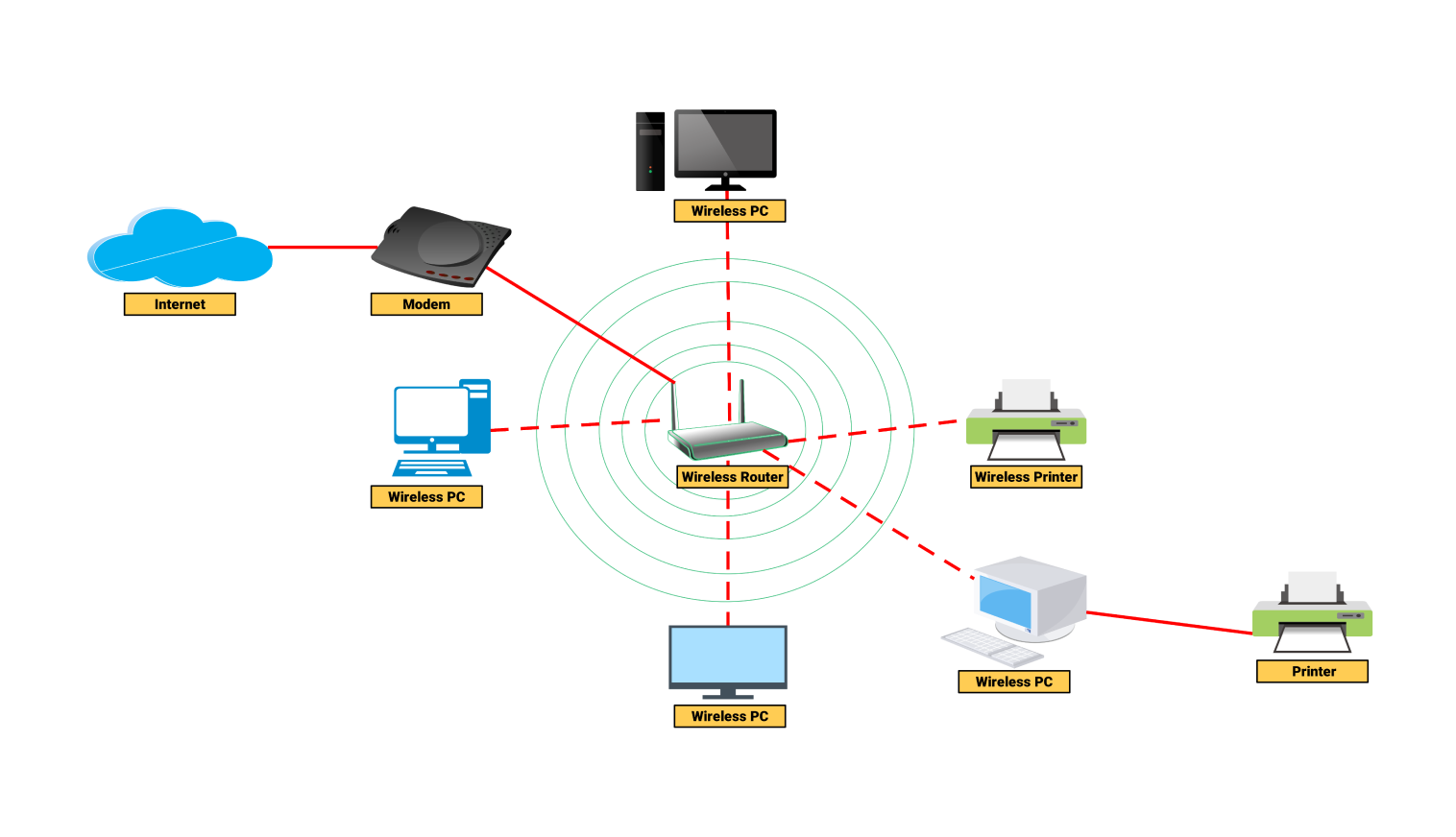
Before we dive into the configuration process, it's essential to understand the basics of your wireless router. Your router is the central device that connects all your network devices to the internet. It has various settings and features that can be accessed and configured through its web-based management interface.
Accessing Your Router's Web-Based Management Interface
To access your router's web-based management interface, you'll need to follow these steps:
- Connect a device to your router using a wired or wireless connection.
- Open a web browser and type the default IP address of your router (usually 192.168.0.1 or 192.168.1.1).
- Enter the administrator's username and password (they are usually printed on the underside of the router or on the packaging).
Basic Configuration Settings
Once you have accessed your router's web-based management interface, you'll need to configure the following basic settings:
- Wireless Network Name (SSID)
- Wireless Network Password (WPA2 or WPA3)
- Internet Protocol (IP) Address
- Subnet Mask and Default Gateway
- DNS Settings
Advanced Configuration Settings
Once you have configured the basic settings, you can move on to advanced configuration settings:
- Quality of Service (QoS)
- Wireless Channel and Bandwidth
- Wireless Security Settings (WPA2, WPA3, etc.)
- Firewall Settings
- Advanced Routing Settings
Security Settings
Securing your wireless network is crucial to protect it from unauthorized access. To do this, you'll need to configure the following security settings:
- Change the default administrator's username and password. li>Enable WPA2 or WPA3 encryption.
- Set the wireless network name and password.
- Restrict access to specific devices or IP addresses.
Updating Your Wireless Router's Firmware
Regularly updating your wireless router's firmware is essential to ensure it runs smoothly and securely. To do this, follow these steps:
- Access your router's web-based management interface.
- Go to the firmware update section.
- Check for available updates.
- Download and install the latest firmware.

Best Practices for Wireless Router Configuration
Here are some best practices to keep in mind when configuring your wireless router:
- Use a strong and unique password for your administrator account.
- Enable WPA2 or WPA3 encryption.
- Change the default SSID and password.
- Restrict access to specific devices or IP addresses.
- Regularly update your router's firmware.
Conclusion
Configuring your wireless router is an essential step in setting up a secure and efficient home network. By following the steps outlined in this article, you'll be able to configure your router for optimal network performance and protect your network from unauthorized access. Remember to regularly update your router's firmware and follow the best practices outlined above to ensure your network runs smoothly and securely.
By understanding and configuring your wireless router, you'll be able to enjoy a fast and secure internet experience for all your network devices. Don't wait any longer – start configuring your router today and experience the benefits of a well-set-up wireless network.
Recommended Wireless Routers
If you're in the market for a new wireless router, here are some top recommendations:
1. TP-Link Archer VR900
2. Linksys EA6350
3. Netgear Nighthawk R7000
These routers offer excellent performance, security, and features that will give you the best possible wireless experience.
Additional Tips and Resources
For more information on wireless router configuration and security, check out these additional resources:
1. Cisco Router Configuration Protocols
3. TP-Link Wireless Home Routers
We hope this article has provided you with a comprehensive guide to wireless router configuration for network devices. Remember to follow the best practices outlined above and regularly update your router's firmware to ensure a secure and efficient wireless network.